MONGIL: STAR DIVE
Updated
Current Version
1.00.00
Offered By

With your passion for MONGIL: STAR DIVE, you shouldn’t have to limit yourself to the small screen of a phone. Play like a pro and take full control of the game using a keyboard and mouse. MEmu gives you everything you’re looking for. Download and play MONGIL: STAR DIVE on PC. Play as long as you want — no more worries about battery life, mobile data, or unexpected calls. The all-new MEmu 9 is the best way to play MONGIL: STAR DIVE on PC. With our expertly designed keymapping system, MONGIL: STAR DIVE feels just like a real PC game. The MEmu multi-instance manager lets you run two or more accounts on the same device at the same time. Most importantly, our exclusive emulation engine unlocks your PC’s full potential, delivering smooth and seamless performance.
Show more
Download MONGIL: STAR DIVE on PC with MEmu Android Emulator. Enjoy playing on big screen. Tame the Unknown, Dive into Wonder!
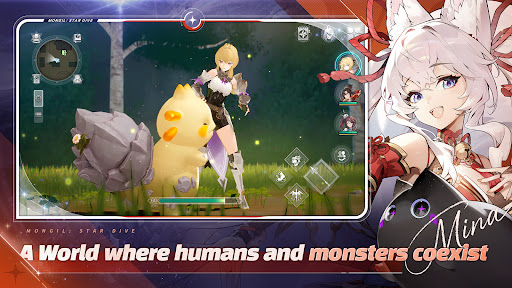
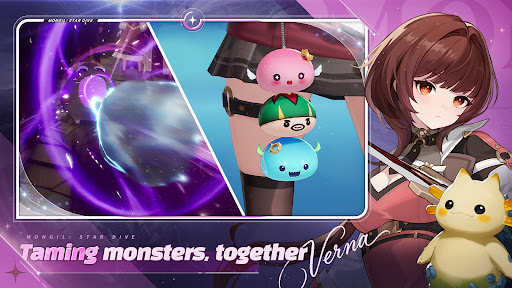
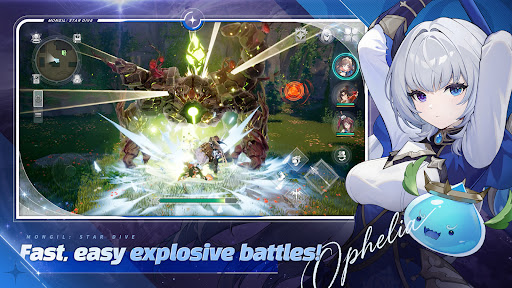

Tame the Unknown, Dive into Wonder!
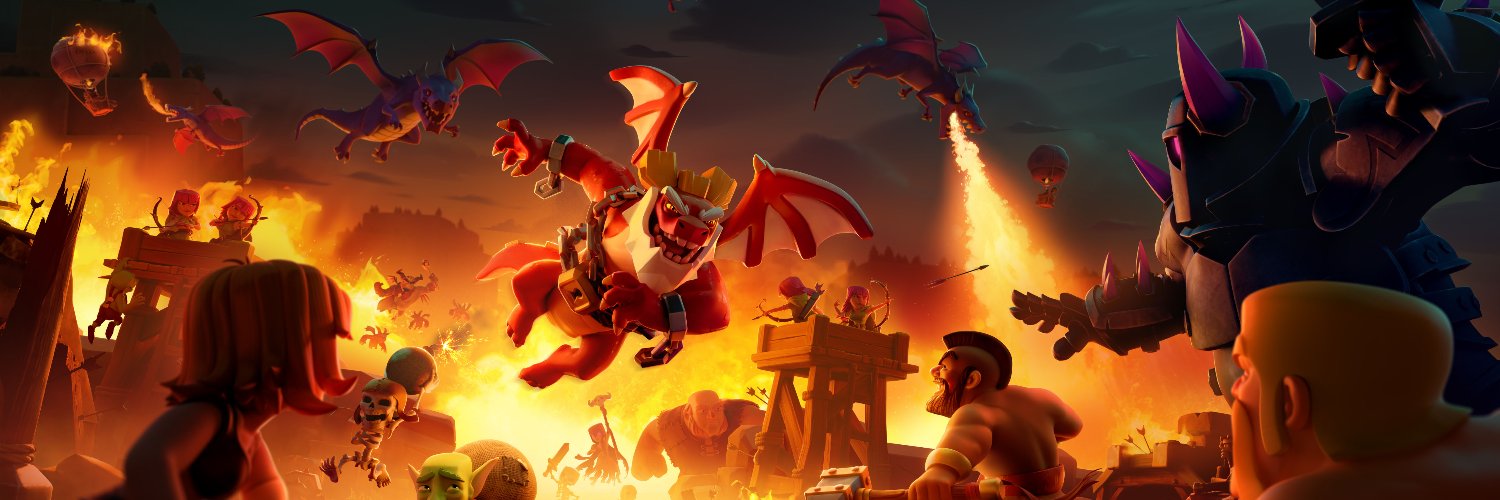
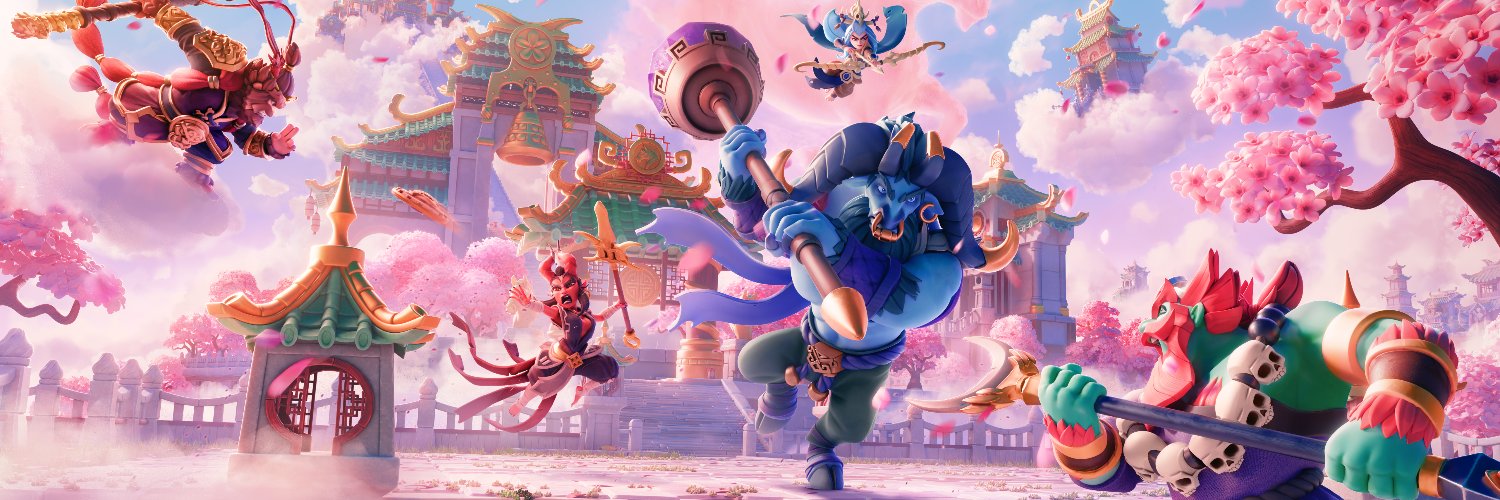
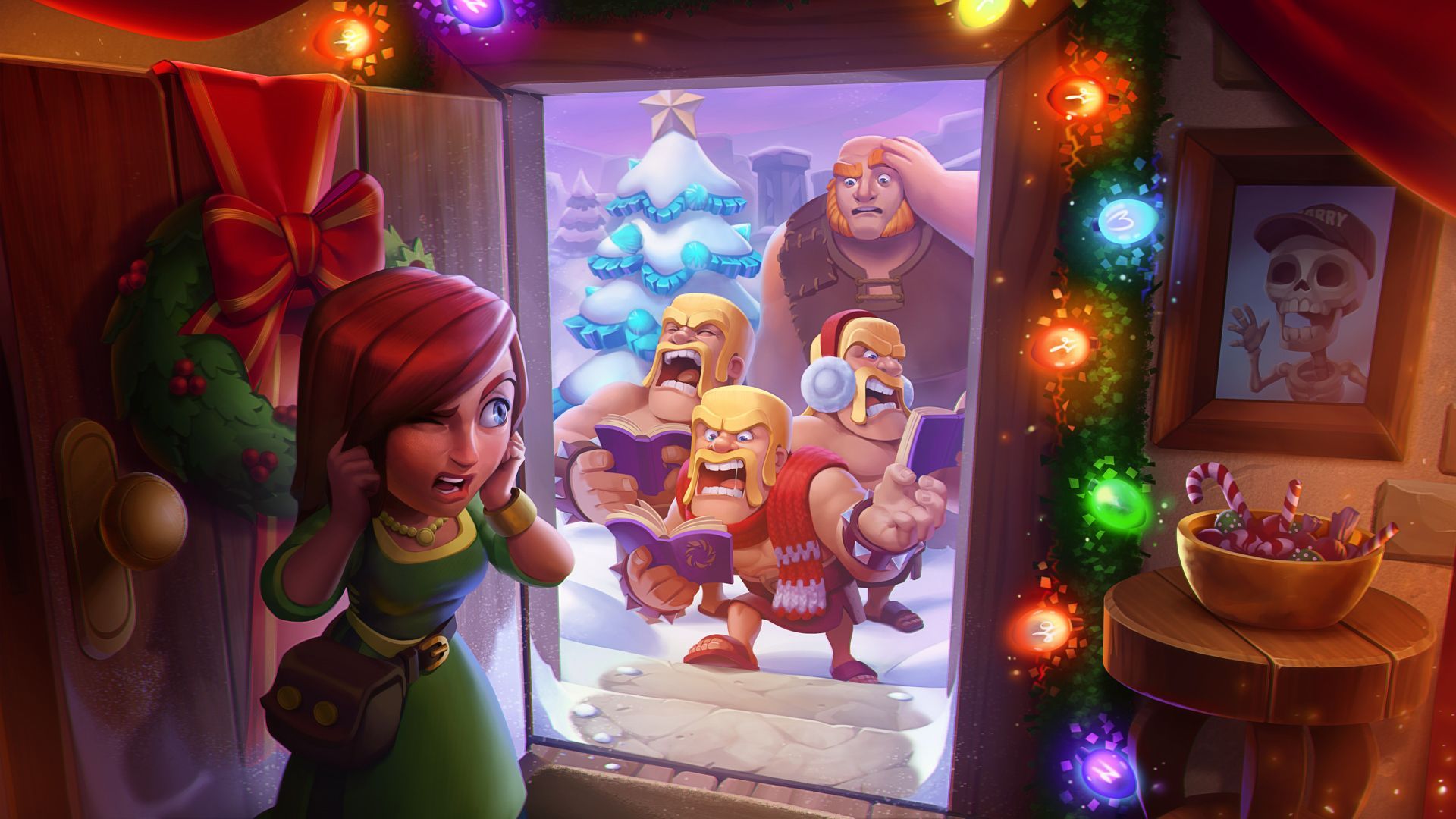
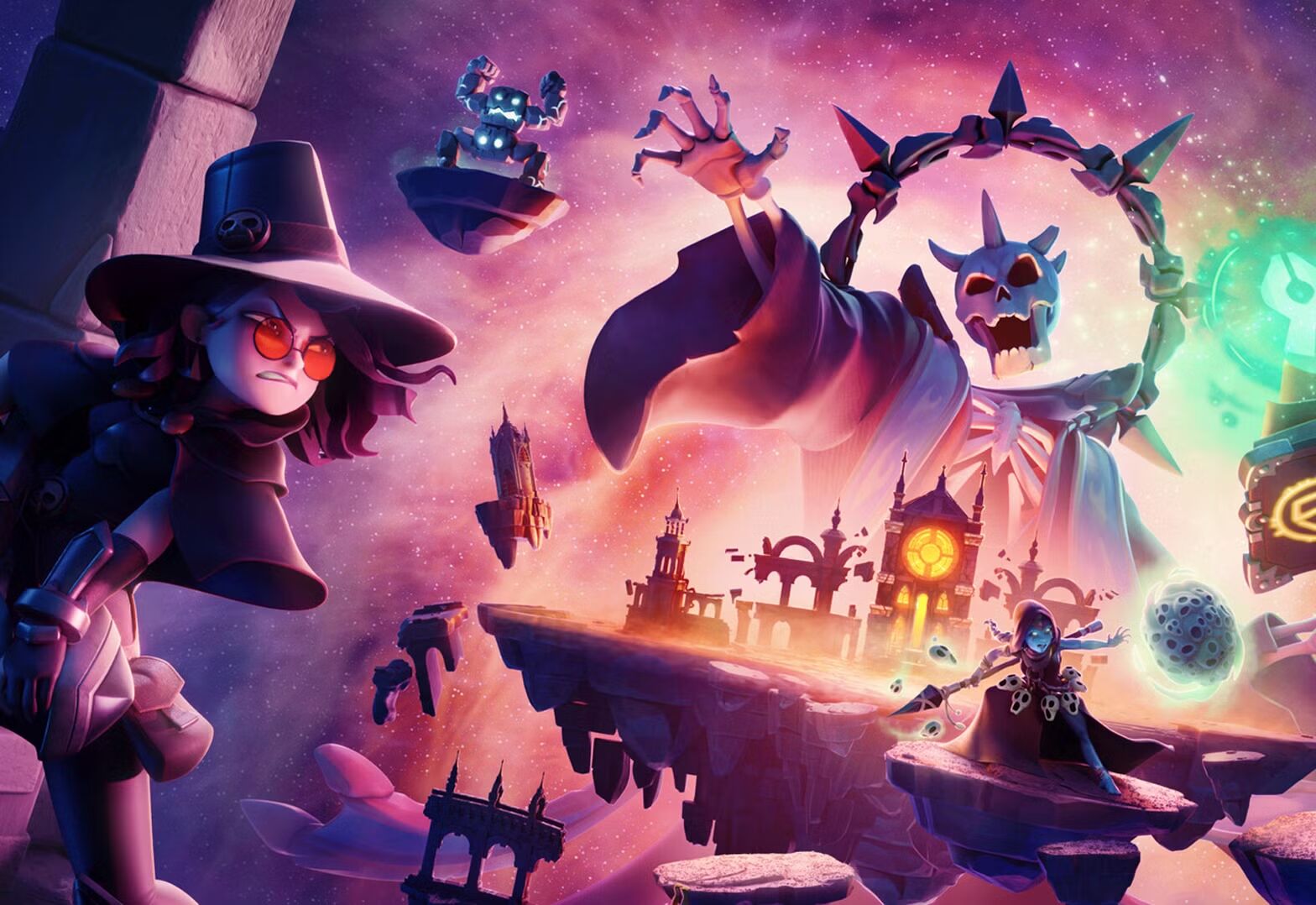
A dazzling monster-taming Action RPG!
MONGIL: STAR DIVE! A world for monsters, you, and me!
Collect adorable monsters and complete your Monster Codex!
Find and tame them all, and claim victory in battle using each monster's unique abilities!
Quick and easy triple tag team action!
Everyone can enjoy MONGIL's intuitive and exhilarating tag team battles!
Switch characters in real time as the battle evolves to unleash powerful Tag Skills! Mix and match a variety of characters to build a party bursting with personality.
A journey of discovery!
Join Cloud, Verna, and their cute kitty companion Nyanners on an adventure in a world home to humans, monsters, elves, beastkin, and more!
Play on your terms!
Advance the story at your own pace.
No need to compete with others or rush to the finish line! Take your time.
There's a big world full of unique characters waiting for you to explore!
Where will this adventure lead?
Meet the mysterious creature "Nyanners" along with a whole cast of captivating characters and reveal your destiny!
DIVE into a world of wonder!
Find the latest news and details on our official community pages!
Official YouTube: https://www.youtube.com/@Stardive_EN
Official X (Formerly Twitter): https://x.com/Stardive_EN
Official Instagram: https://www.instagram.com/stardive_en/
Official Discord: https://discord.com/invite/stardive
[Access Permission Notice]
▶ Required Access Permissions: None
▶ Optional Access Permissions
- Notifications: Used to receive push notifications.
※ You can use the service even if you do not agree to access permissions.
▶How to Withdraw Permissions
- Go to Settings > Application > Select App > Revoke access permissions.
※ This app offers in-app purchases. You can disable this feature by adjusting your device’s settings.
※ By downloading this game, you are agreeing to our Terms of Service and Privacy Policy.
- Terms of Service: https://help.netmarble.com/terms/terms_of_service_en
- Privacy Policy: https://help.netmarble.com/en/terms/privacy_policy_en
"The ""Morning Star's Pledge"" shown is for a monthly subscription. After purchase, a monthly fee of $6.99 (or the equivalent amount in your local currency) will be charged to your Google Play account.
The subscription fee will be automatically charged on a monthly basis from the date of your first payment until you cancel your subscription, and upon renewal of the monthly subscription, the fee will be charged to your Google Play account.
Users can cancel their subscription through their Google Play account settings. If the subscription is not canceled at least 24 hours before the next billing date, it will be automatically renewed.
(※ Subscription cancellations are subject to the mobile store's cancellation policy.)"
Show more

1. Download MEmu installer and finish the setup

2. Start MEmu then open Google Play on the desktop

3. Search MONGIL: STAR DIVE in Google Play
Install
4. Download and Install MONGIL: STAR DIVE
5. On install completion click the icon to start

6. Enjoy playing MONGIL: STAR DIVE on PC with MEmu
MEmu Play is the best Android emulator and 100 million people already enjoy its superb Android gaming experience. The MEmu virtualization technology empowers you to play thousands of Android games smoothly on your PC, even the most graphic-intensive ones.
Bigger screen with better graphics; Long duration, without limitation of battery or mobile data.
Full Keymapping support for precise control of keyboard and mouse or gamepad.
Multiple game accounts or tasks on single PC at one time with Multi-Instance manager.
Play MONGIL: STAR DIVE on PC by following steps:





























































![PUBG mobile update [Mar.2020] PC](https://www.memuplay.com/blog/wp-content/uploads/2019/11/121-1.jpg)


























![[Game Reviews] Mobile Legends: Bang bang PC](http://www.memuplay.com/blog/wp-content/uploads/2016/11/bangbang-3-small.png)